APK Download: How to Choose, Download and Understand APK Files
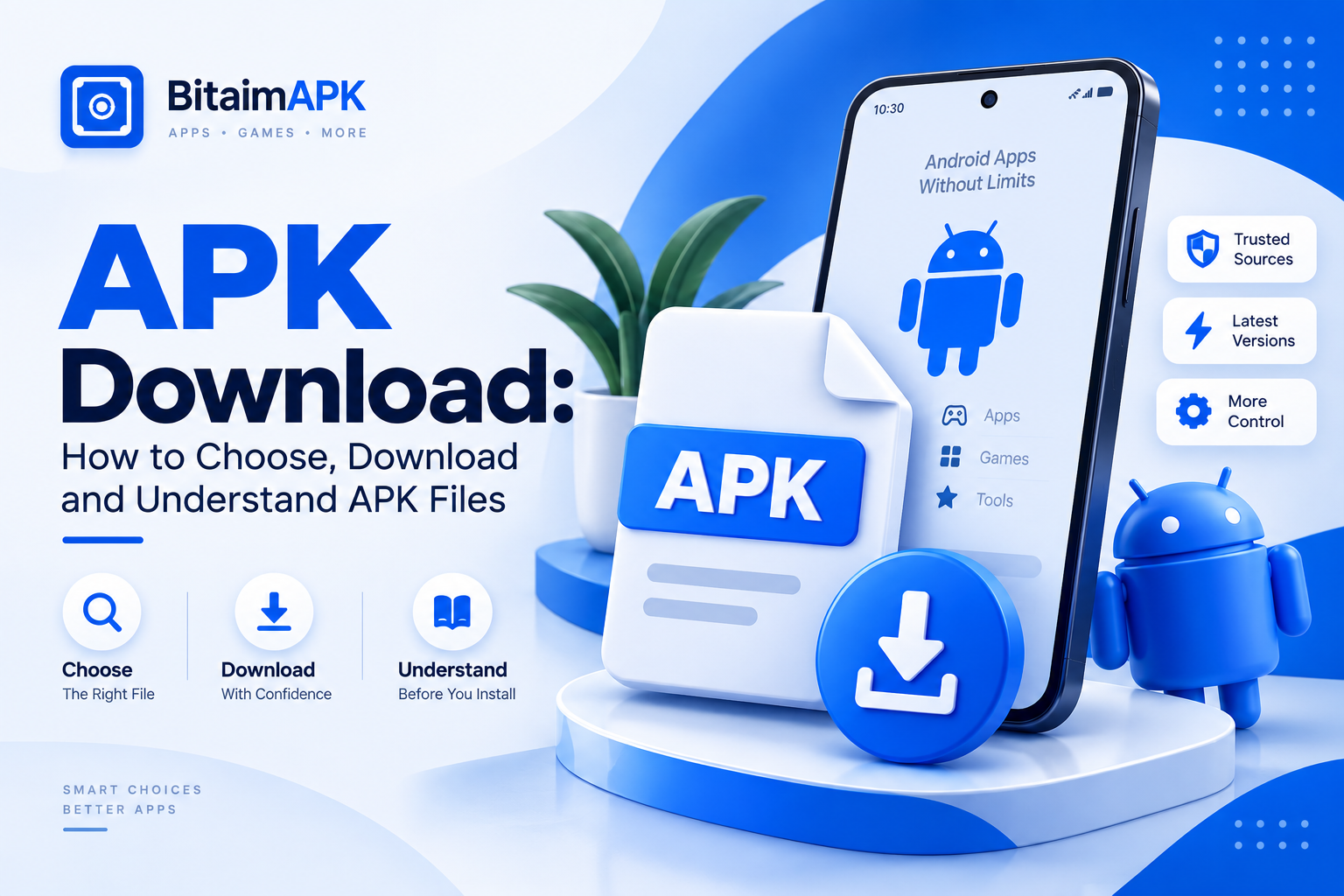
An APK download gives you an Android app as a file that can be downloaded outside the usual app store process. People may look for APK files when an app is not available through their usual store when they need a specific release or when they want to use another distribution source. But downloading an APK is not just about finding a download button. The file version developer details and source can all matter.
This guide explains APK downloads in simple terms. You will learn why people download APK files, what to check before choosing one, how to choose the right version and what happens after the download. It also explains how an APK download is different from an app update and how to assess the information available about a file.
The goal is not to say that one APK is always safe or that one version will always work. APK files can differ by release and source. A better approach is to understand the information available and make a careful choice based on your device and needs.
Why Do People Download APK Files?
People download APK files for several practical reasons. They may want access to an app that is not available through their usual app store or need a particular release for a specific purpose.
When an App Is Not Available in Their Region
Some apps or releases are not available in every country or region. In this situation a person may look for the app through another distribution source.
When Someone Needs a Specific App Release
A person may sometimes need an older or specific release instead of the version currently available to them. This can happen when they need a particular release for compatibility or another specific reason.
The important point is that an APK can represent a specific release of an app. The version someone needs depends on their device and what they are trying to do.
When an APK Is Needed for Testing
APK files can also be useful for developers and testers who need to work with a particular app release. They may use an APK to test how an app behaves on a specific device or setup.
This is different from a typical user downloading an app for everyday use. In testing the APK is part of the development or testing process.
What Should You Check Before Downloading an APK?
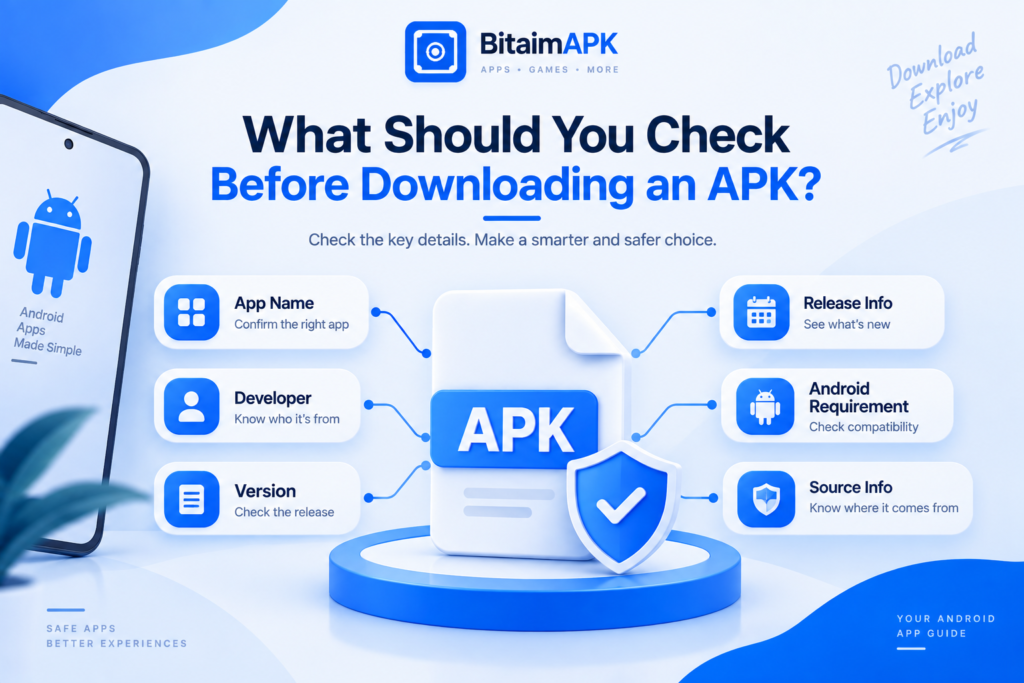
Before downloading an APK check the basic information available about the app and the file. These details can help you understand what you are considering and whether it matches what you need.
| What to Check | Why It Matters |
| App Name | Helps confirm that you are looking for the intended app |
| Developer | Helps identify who the app is associated with |
| Version | Shows which release you are considering |
| Release information | Provides useful context about the file |
| Android requirement | Helps you consider basic device compatibility |
| File details | Gives you more information about the download |
| Source information | Helps you understand where the file comes from |
No single detail can tell you everything about an APK. The goal is simply to look at the available information before downloading instead of relying only on the app name or a download button.
These checks do not guarantee that a file is safe or suitable. They give you basic information to consider before making a download decision.
How to Choose the Right APK Version
The right APK version depends on why you need it. A newer release may be the better choice in one situation while an older release may make more sense in another. Looking at the release details can help you compare your options.
Check the Version Number
The version number tells you which release you are looking at. If several APK files are available for the same app the version number helps you tell them apart.
Use the exact version shown with the file rather than assuming that files with the same app name are the same release.
Use the Release Date as a Reference
The release date gives you more context about a version. It can help you see whether you are looking at a newer release or an earlier one.
The date alone does not tell you which version is right for you. It is simply another detail that can help when comparing releases.
Choose Based on Why You Need the APK
If you want a newer release you may prefer the latest version available. If you need an earlier release for a specific reason an older version may be more relevant.
For example a tester may need to work with an earlier release while another user may simply want the latest one. The best choice depends on the reason for the download and the release you are looking for.
Choose a version based on your actual need rather than assuming that the newest release is always the right choice.
What Happens After You Download an APK?
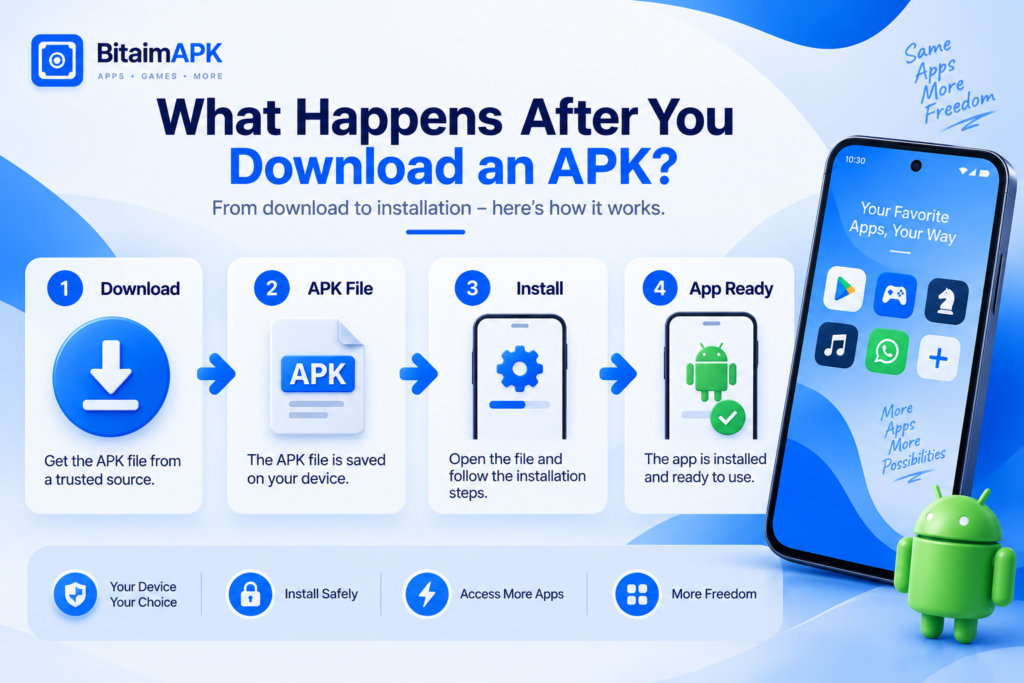
Downloading an APK does not mean the app is already installed. The download gives you the APK file. Installation is a separate process that uses that file to add the app to your Android device.
The Download Gives You the APK File
When the APK download is complete you have the app package saved as a file on your device. The file is then available to be used for installation. The app is not installed simply because the download has finished.
Installation Adds the App to Your Device
Installation is the process through which Android uses the APK file to add the app to your device. After a successful installation the app is available to open and use.
The exact installation experience can vary between Android versions and device settings. This section only explains the difference between downloading the APK file and installing the app.
APK Download vs App Update: What’s the Difference?
An APK download gives you an APK file. An app update is about moving an app that is already installed on your device to a newer release. These are different actions even though an APK can sometimes be involved in an update.
How Is an APK Download Different From an App Update?
When you download an APK you are getting the file itself. The file may represent a particular release of an Android app. Downloading the file does not by itself mean that an installed app has been updated.
An app update starts with an app that is already installed on the device. The goal is to move that app to a newer release when the update is supported.
A downloaded APK may be used in an update-related situation. However this can depend on the app, the APK release and the Android device. A newer APK should not automatically be treated as an update for every existing installation.
In simple terms:
- APK download: You obtain an APK file.
- App update: An existing installed app moves to a newer release.
The key difference is simple: downloading an APK gives you a file while an app update changes an existing installation to another release.
How Can You Tell If an APK Download Is Trustworthy?
You cannot judge an APK by its file name or download button alone. Before downloading one check the information available about the app, the source and the file itself. You can also use Google Play Protect to check apps for potentially harmful behavior.
Check Who Published the App
Start with the developer information. The app name and developer should make sense together and match the app you expect.
If the developer information is missing or unclear you have less information to use when evaluating the file. A clear developer identity gives you more context about who the APK is associated with.
Look for Clear Source Information
Check where the APK is being provided from. A source that clearly identifies the app and provides useful file information gives you more context about the download.
Do not treat a familiar-looking website or download button as proof that a file is trustworthy. Look at the information provided around the file as well.
Compare the Version and File Details
Check whether the version number and other file details match the information shown for the download. If the details do not match, take a moment to check what file you are actually considering.
Matching information does not prove that an APK is trustworthy. It simply gives you a clearer basis for evaluating the file.
Check Signature or Hash Information When Available
Some APK sources or verification tools may provide signature or hash information for a file. When available this can help you compare a particular file with a known value.
A hash or signature is most useful when you have a reliable value to compare it with. Seeing one on a download page does not by itself prove that the APK is trustworthy.
If important information is missing or does not match it is better to investigate further before downloading the file.
What Are the Common Risks of Downloading APK Files?
Downloading an APK is not automatically dangerous. However, apps from unknown sources can put your device and personal information at risk, so it is important to consider the source before downloading.
Understanding common risks can help you know what problems to watch for before downloading a file.
Fake or Misleading APK Files
Some APK listings may use the name or appearance of a familiar app even when the file is not what the listing suggests. This can make it harder to know what you are actually downloading.
A file can therefore look like the app you want without being the release you expected.
Modified or Repackaged Files
An APK may be changed or repackaged after its original release. A modified file can therefore differ from the version a user expects to receive.
This does not mean every modified APK is harmful. It means the file may not contain or behave like the original release.
Misleading Download Pages
Some download pages may use unclear labels or multiple download buttons. This can make it difficult to identify the actual APK or understand what a particular download offers.
A confusing download page can increase the chance of choosing the wrong file.
Outdated APK Releases
An older APK release may no longer match the current version of an app. This can matter when an app has changed over time and a user expects features or behavior from a newer release.
An older release is not automatically bad. Whether it is suitable depends on the app and the reason for using that version.
Compatibility Problems
An APK may not work as expected if the release does not suit the Android version or device environment. Compatibility can vary between releases and devices.
This means a file can be valid as an APK but still not work as expected on a particular device.
The risks can vary from one APK to another. Do not assume that every APK is dangerous or that every APK is trustworthy. Consider the available information and the situation before deciding whether to download a file.
FAQs
These answers cover some practical questions that may come up when downloading or choosing an APK.
Can I download an APK without Google Play?
Yes. You can get an APK from sources other than Google Play. The available options can vary by app and region.
Where should I download an APK from?
Look for a source that provides clear information about the app and APK file. No single source should be treated as automatically trustworthy for every APK.
Can I install an older version of an Android app?
An older APK may be available for some apps. Whether it will work can depend on the app, Android version and device. Check the release information before choosing an older version.
Why might an APK download not work on my Android device?
An APK download may not work for different reasons. The file could be incomplete or the release may not suit the Android version or device. Checking the file and device requirements can help you understand the possible cause.
Can an APK update an app that is already installed?
An APK may be used when moving an existing app to another release but this depends on the app, APK release and device. Downloading an APK does not automatically mean that an installed app has been updated.
Final Thoughts on APK Download
Downloading an APK is more than simply getting a file. It is about understanding what you are downloading and choosing a release that makes sense for your needs.
Before downloading take a moment to look at the available information about the app release and source. No single detail can tell you everything about a file.
The simple rule is to look beyond the download button. Understand the file you are choosing and use the information available to make a careful decision.